If you’ve ever sat through a four-minute walkthrough of a three-bedroom colonial and bailed somewhere around the second bathroom, you already know half the answer to the question agents ask us most about listing video: how long should it be?
Here’s the short answer: 60–90 seconds for the main tour, up to about two minutes for a big estate, and under 60 seconds for every vertical cut you post to Reels, TikTok, or YouTube Shorts. The longer answer covers which version goes on BRIGHT MLS (it’s stricter than most agents think), what to do with agent-hosted clips, and how to structure 90 seconds so buyers actually watch it. We shoot listing video across DC, Maryland, and Northern Virginia, and the films in our own portfolio run from 0:44 to 1:51. That isn’t an accident.
How Long Should a Real Estate Listing Video Be?
The main listing video should run 60 to 90 seconds. That’s long enough to show how the house flows from the front door to the back yard, and short enough that most viewers reach the kitchen and the primary suite before they drop off. Large luxury homes can earn up to about 2 minutes. Social cuts should stay under 60 seconds.
Here’s the full set of lengths by format:
| Format | Target length | Orientation | Where it goes |
|---|---|---|---|
| Main listing tour (unbranded) | 60–90 sec | Horizontal 16:9 | BRIGHT MLS virtual tour link |
| Main listing tour (branded) | 60–90 sec | Horizontal 16:9 | YouTube, property website, email |
| Luxury / estate film | 90 sec – 2 min | Horizontal 16:9 | YouTube, property website |
| Reel / Short / TikTok | 15–60 sec | Vertical 9:16 | Instagram, TikTok, YouTube Shorts, Facebook |
| Agent-hosted tour | 30–60 sec | Vertical 9:16 | Social only, never the MLS |
| Agent intro / “coming soon” teaser | 15–30 sec | Vertical 9:16 | Social, Stories, email |
Two things push length down. The first is how people actually watch. According to Wistia’s analysis of video on its platform, videos under one minute average a 52% engagement rate, meaning viewers typically watch about half of the video. That figure is for videos under a minute, so applying it to a 90-second tour is our extrapolation, not Wistia’s finding: if it held, the average view would cover about 45 seconds, and the back half would be for the serious buyers. Stretch the same logic to a four-minute tour and your best room may never get seen.
The second is redundancy. Buyers who want to inspect every closet have the photos, the floor plan, and the 3D tour for that. The video’s job is narrower: show how the home feels and connects, then get out of the way.
Why Not Make It Longer?
Because a long listing video is trying to do a 3D tour’s job, and doing it worse. A five-minute walkthrough that opens every door feels thorough to the seller and tedious to everyone else. Buyers who want to linger can do it at their own pace in a Matterport or Zillow 3D tour. The video should be the trailer, not the movie.
There are real exceptions, and they’re mostly in our market’s estate belt:
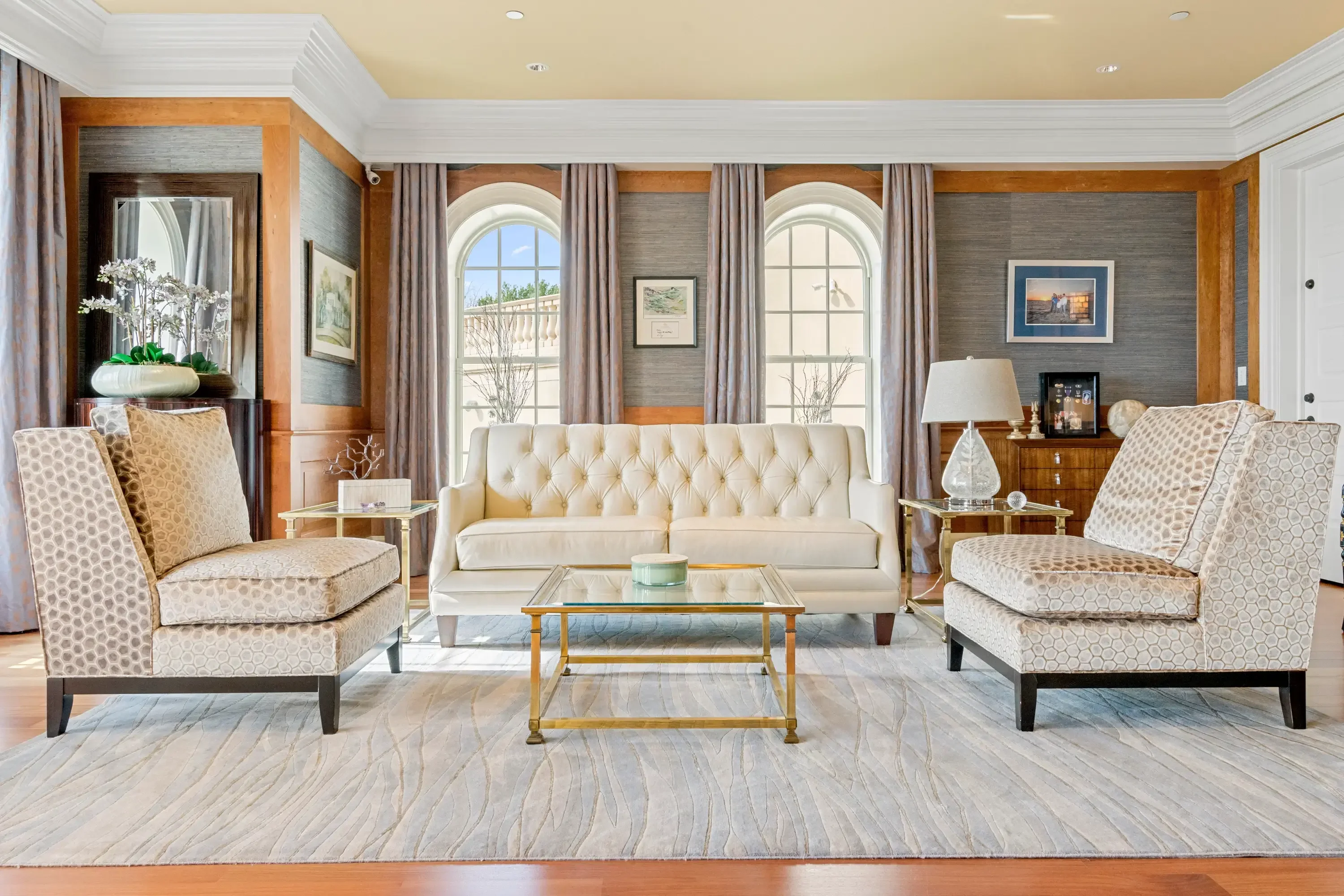
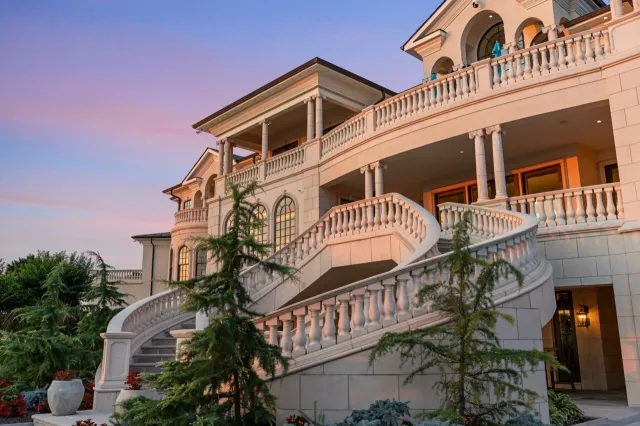
- McLean, Great Falls, and Potomac estates. A 7,000-square-foot home with a pool house, a guest wing, and two acres can’t be shown properly in 60 seconds. Our McLean luxury tour runs 1:25, and our 4K Vienna film runs 1:42. Even at this level, we rarely go past two minutes.
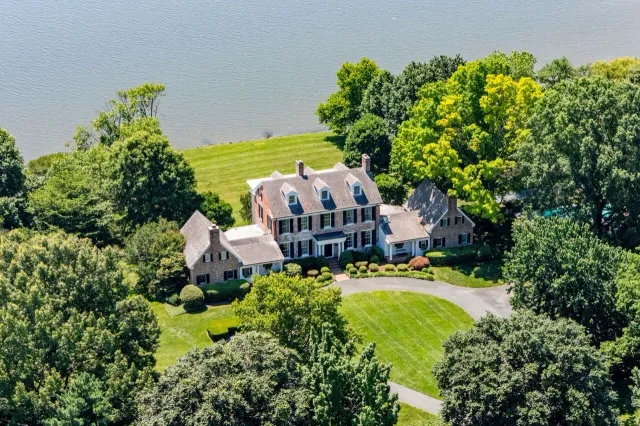
- Properties where the land is the product. Horse country in western Loudoun, waterfront along the Chesapeake. For a length reference, one Yorktown, VA film we shot outside our usual service area runs 1:51.
- Agent-narrated “story” films. When there’s a voiceover explaining a renovation or a historic designation, an extra 20–30 seconds can be justified, if the narration is tight.
And the anti-hype version: if the house is a 900-square-foot condo with nothing remarkable inside, a 90-second video won’t make it remarkable. Spend the budget on great photos and a floor plan, and post one 30-second vertical clip of the view.
How Long Should a Real Estate Reel or Short Be?
Keep vertical listing clips between 15 and 60 seconds. The platforms allow far more. Instagram has let US creators publish Reels up to 3 minutes since January 2025, and YouTube now accepts Shorts up to 3 minutes in a square or vertical aspect ratio. But a platform limit is a ceiling, not advice. Wistia’s own guidance for social video is under one minute.
What works in a 30-to-60-second vertical cut:
- Hook in the first two seconds. The best single shot of the house goes first: the kitchen, the view, the twilight exterior. Not the front door creeping open. Not your logo.
- One idea per clip. “The kitchen in this Clarendon townhouse,” “60 seconds in a Capitol Hill rowhouse,” “the backyard nobody expects in Silver Spring.” Several short clips beat one long one.
- Text on screen, because plenty of people scroll with the sound off. Price, beds and baths, neighborhood. Captions are fine here; they’re what’s banned on the MLS version.
- Shoot vertical, don’t crop. A vertical crop of a horizontal tour loses two-thirds of every frame. Our videography packages deliver full-length videos in both horizontal (16:9) and vertical (9:16) formats, and the social media reel is shot vertical from the start.
Which Version of the Video Goes on BRIGHT MLS?
Only an unbranded version: no logo, no agent on camera, no phone number, no brokerage end card. BRIGHT’s Images Policy (§4.D) says the MLS hosts only links to virtual tours, and that tours are “subject to the same content limitations as images.” It adds that “in no case may any person included in a virtual tour be identifiable or recognizable.”
In practice that means the MLS link has to follow the same rules as your listing photos, which we cover in detail in our BRIGHT MLS photo rules explainer:
| Element | MLS virtual tour link | Branded / social version |
|---|---|---|
| Agent on camera | ❌ Not allowed (no identifiable people) | ✅ Yes |
| Logo, brokerage name, contact card | ❌ Not allowed | ✅ Yes |
| Superimposed text and captions | ❌ Not allowed (text only if incidental) | ✅ Yes |
| Yard sign in the exterior shot | ❌ Avoid (signs and logos are prohibited in images; any readable text in a tour must be incidental) | ✅ Fine |
| Licensed music | ✅ Fine | ✅ Fine |
| Property-only voiceover | Check with BRIGHT; keep it free of names and contact info | ✅ Yes |
This isn’t a technicality. BRIGHT’s fine schedule lists “Branded Media (photos, virtual tours, documents)” at $250, issued immediately with no warning period. Most other violations get two calendar days to fix. Branded media doesn’t.
The simple fix is to request two exports of the same edit from whoever cuts your video: a clean one for the MLS link, and a branded one with your intro, outro, and contact details for everywhere else. Settle it at booking, not after the compliance email.
Are Agent-Hosted and Agent-Intro Videos Worth It?
For your brand, often yes. For the listing itself, they’re optional. A hosted tour sells you as much as the house: buyers and future sellers see who you are, how you talk, and what you notice. That’s why it belongs on Instagram, TikTok, and your YouTube channel, and why it can’t go in the MLS link.
How to keep them short and useful:
- Agent-hosted tour: 30–60 seconds, vertical. Walk-and-talk through the three rooms that sell the house, then stop. At UMedia, a social reel with an on-camera host is $229.
- Agent intro or “coming soon” teaser: 15–30 seconds. Stand on the porch, say the neighborhood and one hook (“four bedrooms, half a mile to the Orange Line”), and give the go-live date.
- Skip it if you hate the camera. Viewers can tell, and a stiff hosted clip does more harm than an unhosted reel. A well-edited property-only reel at $149 does the job without you in it.
What Should a 90-Second Listing Video Include?
Ninety seconds holds roughly 12 to 18 shots at a comfortable pace. Here’s the structure we use for a typical DMV single-family listing:
| Time | What’s on screen | Why |
|---|---|---|
| 0:00–0:08 | Hero exterior: curbside approach, twilight, or aerial where airspace allows | Sets the scene; doubles as the thumbnail |
| 0:08–0:35 | Entry, main living space, kitchen | The rooms buyers decide on |
| 0:35–0:55 | Primary suite, best bath, one standout feature | The second decision point |
| 0:55–1:15 | Outdoor space, lot, street or neighborhood | What photos undersell |
| 1:15–1:30 | Closing exterior; clean end frame on the MLS version, contact card on the branded version | Where the two exports differ |
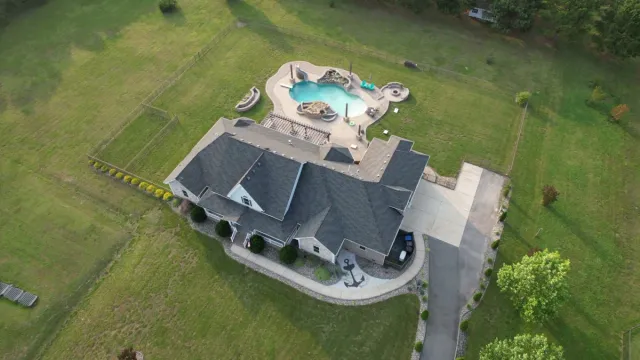
One DMV-specific note on that opening shot: in most of our market it can’t be a drone shot. DC, Arlington, Alexandria, Bethesda, Silver Spring, McLean, and Falls Church sit inside the DC Flight Restricted Zone, where drone flight is prohibited without a federal waiver that marketing shoots effectively never get. That rule applies to every photographer equally, us included. Our DC drone rules guide shows where the line falls. Inside the FRZ, we open on a stabilized curbside approach or a twilight exterior instead. Farther out, in Reston, Ashburn, or Gaithersburg, drone footage can be added to the video where the lot justifies it.
Building type changes the plan too:
- DC rowhouses (Capitol Hill, Shaw, Petworth). Narrow, deep, and vertical. Sixty to 75 seconds is usually enough; spend the time on the stair, the light well, and the rear patio or roof deck.
- High-rise condos (Rosslyn, Ballston, downtown Bethesda). Forty-five to 60 seconds of unit, then the view and amenities. Ask building management before filming the lobby or rooftop; rules vary by building.
- New construction. Sixty to 90 seconds with the finish details (hardware, tile, built-ins) cut in as quick inserts. Builders can reuse those detail clips across a whole community.
Is a Listing Video Worth It?
For most listings above entry level, yes, mostly because so few agents bother. In NAR’s 2025 Profile of Home Buyers and Sellers (Exhibit 7-8), agents used video hosting websites to market just 5% of homes, and social networking sites for 23%, compared with 85% on the MLS. A good 90-second film is still a way to stand out, both to buyers and to the next seller watching how you market.
You’ll also see the claim that listings with video get 403% more inquiries. It’s quoted everywhere, including in industry video-stat roundups, but its original source is hard to trace, so treat it as directional rather than as a promise. The honest case for video is simpler. It shows layout and light in a way photos can’t, it gives you social content for the whole time the listing is live, and buyers who watch 90 seconds and still book a showing are better qualified.
Where we’d skip video:
- A small, plain condo or rental where photos plus a floor plan tell the whole story.
- A house that isn’t ready. Video is less forgiving than photos. Clutter, open closets, and a half-painted room all move.
- When the budget forces a choice. Professional photos come first, every time: in the same NAR report, 81% of buyers who searched online rated photos “very useful” (Exhibit 3-8), more than any other website feature. Add video once the photography is covered.
How to Get Started
Decide the versions before the shoot, not after. For most DMV listings that means one horizontal 60–90 second tour exported twice (unbranded for BRIGHT, branded for YouTube and your property site), plus one or two vertical cuts under 60 seconds for social.
Here’s what that costs with us, from our current pricing:
- Full-length video walkthrough: from $299, priced by property size, delivered in horizontal and vertical formats within 48–72 hours
- Social media reel (vertical, up to 60 seconds): $149, delivered within 24–48 hours
- Reel with on-camera host: $229
- Drone videography: $199 (outside the FRZ only)
- Luxury Premier package: from $699, combining photos, a floor plan, a Matterport tour, a cinematic video, drone photo and video, and a property website
If you’re still comparing vendors, our guide on how to choose the right videography service for your listings covers what to ask before you book. For listings inside the Beltway, see our page on real estate photography in Washington, DC for how we handle rowhouses, condos, and the no-drone zone. And when you’re ready, the videography service page has sample films at every length in this post.